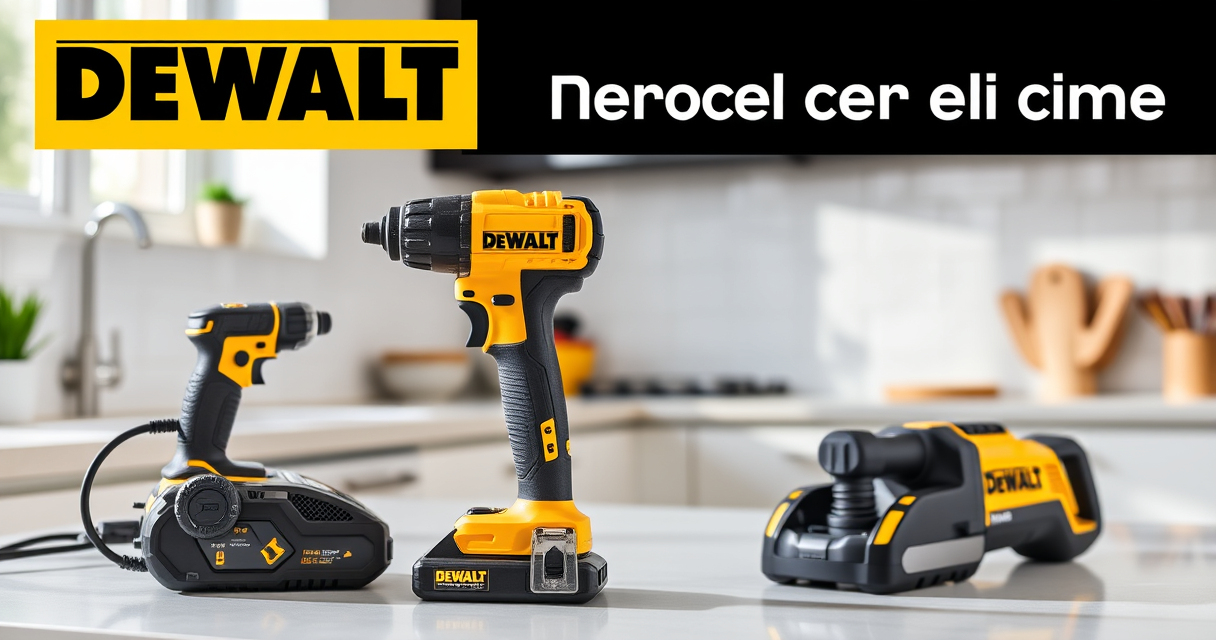

If your DEWALT power tools, such as the DEWALT 20V MAX Cordless Drill and Impact Driver, are overheating during use, it can be frustrating and potentially damaging to the tool. Overheating often results from excessive use, poor ventilation, or internal issues. Fortunately, many overheating problems can be resolved with simple troubleshooting and maintenance steps, helping you extend the life of your tools and ensure safe operation.

Get business pricing on tools and workshop supplies
- Business-only prices and quantity discounts
- Tax-exempt purchasing
- Multiple users, one account, clear invoices
In this guide, we’ll walk you through practical, safe, and effective steps to diagnose and fix overheating issues in your DEWALT tools. Always prioritize safety, and if you’re unsure, consult a professional or contact DEWALT customer support.
Key Takeaways
| Proper Ventilation | Ensure the tool’s vents are clean and unobstructed to prevent heat buildup. |
| Battery Care | Use high-quality, fully charged batteries compatible with your DEWALT model. |
| Work Duration | Avoid continuous use for extended periods; give the tool time to cool down. |
| Maintenance Checks | Regularly inspect and clean the motor vents and internal components. |
| Correct Usage | Use the right speed and torque settings for your task to prevent overheating. |
Identify the Overheating Cause
The first step is to determine why your DEWALT tool is overheating. Common causes include blocked vents, continuous high-torque usage, or a faulty battery. Start by inspecting the vents around the motor and battery compartment. If they are clogged with dust, lint, or debris, this can hinder airflow and cause heat buildup.
Next, consider your work pattern. Are you using the tool for prolonged periods without breaks? Overuse can lead to excessive heat. Additionally, check if the battery is properly seated and in good condition, as a faulty or incompatible battery can cause the tool to overheat.
Understanding the root cause will guide your troubleshooting process, ensuring you apply the correct fix without risking further damage.
Clean and Maintain Ventilation Openings
- Power off your DEWALT tool and remove the battery for safety.
- Use compressed air or a soft brush to carefully clean dust and debris from vents and air passages.
- Inspect the vents for any damage or blockages that may restrict airflow.
- Reattach the battery and test the tool in a controlled environment.
Keeping vents clean is crucial for proper cooling. Regular maintenance, especially after heavy use, can prevent overheating and prolong the life of your tool.
Use Correct Battery and Charging Practices
Ensure you are using the original DEWALT batteries, such as the DEWALT 20V MAX 5 Ah Lithium-Ion Battery (DCB205-2), which are designed to work efficiently with your tool. Fully charge the battery before use to prevent overheating caused by a depleted or faulty power source.
Avoid using damaged or incompatible batteries, as they can generate excess heat. When the battery indicator shows a low charge, recharge it promptly and avoid overcharging, which can also lead to heat issues.
If the battery appears swollen or heats up excessively during use, replace it immediately to prevent further damage to the tool.
Adjust Usage and Operating Conditions
Use your DEWALT tool within its recommended parameters. For example, select appropriate speed and torque settings based on the job. High torque or continuous operation can cause overheating if not managed properly.
Take frequent breaks during prolonged use to allow the motor and internal components to cool down. Avoid using the tool in extremely hot environments, which can exacerbate heat buildup.
Additionally, ensure your workspace has adequate ventilation, especially if you’re working in enclosed areas.
Perform Internal Inspection and Professional Repair
If cleaning and usage adjustments do not resolve the overheating, consider inspecting internal components for damage or wear. This step involves opening the casing, which should only be performed if you’re comfortable with electronics and have the proper tools.
Look for signs of burnt wiring, damaged brushes, or worn-out bearings. If you’re unsure, it’s best to contact DEWALT customer service or a professional repair technician.
Remember, attempting internal repairs without proper knowledge can be dangerous and may void your warranty.
The Products in This Guide

DEWALT 20V MAX Cordless Drill and Impact Driver
- ✔ Battery Capacity: 5Ah
- ✔ Tool Length: 7.6 inches
- ✔ Warranty: 3 Years

DEWALT Drill Bit Set
- ✔ Material: High-Speed Steel
- ✔ Tip: Split point 135°
- ✔ Number of Bits: 14
DEWALT 20V MAX Cordless Drill and Impact Driver
The DEWALT 20V MAX Cordless Drill and Impact Driver combo kit is known for its durability and performance. Proper maintenance, including preventing overheating, ensures you get the most out of this versatile set. Regular cleaning and careful usage help keep it running smoothly.
Pros:
- Compact and lightweight design
- Excellent battery life with 5Ah batteries
- Ergonomic grip for comfort
- Bright LED work light
Cons:
- Vents can clog with dust
- Battery temperature sensitivity
- Requires regular maintenance
Best for: DIY enthusiasts and professionals needing reliable cordless power tools
Not ideal for: Extended continuous use without breaks or in extremely hot environments
Bottom line: Routine maintenance and proper usage are key to preventing overheating in your DEWALT tools.
DEWALT Drill Bit Set
Pair your DEWALT drill with this high-quality drill bit set, which features 14 pieces with 135-degree split points. They are designed for plastic, wood, and metal, making them an excellent companion for your power tools, especially when troubleshooting or performing repairs.
Pros:
- Durable High-Speed Steel construction
- Corrosion-resistant coating
- Easy to identify sizes
- Versatile for multiple materials
Cons:
- Not for heavy-duty industrial use
- Limited to general DIY tasks
- Requires proper bit maintenance
Best for: Home repair, woodworking, and metalworking projects
Not ideal for: Heavy industrial applications or specialized drilling tasks
Bottom line: A reliable set of drill bits enhances your ability to perform various repair and maintenance tasks efficiently.
Frequently Asked Questions
Why is my DEWALT tool overheating so quickly?
Overheating can be caused by blocked vents, prolonged use without breaks, or a faulty battery. Regular cleaning and proper usage can help prevent this.
How often should I clean the vents of my DEWALT tool?
It’s best to clean the vents after heavy use or periodically every few months to ensure optimal airflow and cooling.
Can I continue using my tool if it gets hot during operation?
It’s advisable to stop using the tool immediately if it gets excessively hot, allow it to cool down, and inspect for issues before resuming work.
What should I do if my battery overheats or swells?
Remove the battery immediately, avoid using it further, and replace it with a genuine DEWALT battery to prevent damage to the tool or injury.
Is internal repair of the motor advisable?
Internal repairs should only be performed by trained technicians. If your tool is still under warranty, contact DEWALT customer support for assistance.
Keeping Your DEWALT Power Tools Cool and Efficient
Regular maintenance, proper usage, and attentive care are essential to prevent overheating of your DEWALT power tools. By keeping vents clean, using compatible batteries, and avoiding prolonged continuous use, you can extend your tool’s lifespan and ensure safe operation. When issues do arise, following these troubleshooting steps will help you resolve overheating problems quickly and safely, keeping your projects on track.
Affiliate disclosure: As an Amazon Associate we earn from qualifying purchases. Prices and availability are accurate as of the time of publishing.
Fall yard work Picks
leaf blowers
As an affiliate, we earn on qualifying purchases.