
If your DeWALT power tool battery isn’t charging, it can disrupt your work and cause frustration. Fortunately, most charging issues are fixable with simple troubleshooting steps. This guide will walk you through common causes and safe fixes to get your batteries back to full power.
Before starting, ensure you follow safety precautions, such as unplugging chargers and handling batteries carefully to prevent injury or damage.
Key Takeaways
| Battery Age | Older batteries may lose capacity and fail to charge. |
| Charger Compatibility | Use only DeWALT chargers designed for your battery model. |
| Connection Issues | Loose or dirty connections can prevent charging. |
| Battery Temperature | Batteries should be charged at room temperature for optimal performance. |
| Indicator Lights | LED indicators can help diagnose charging status or faults. |

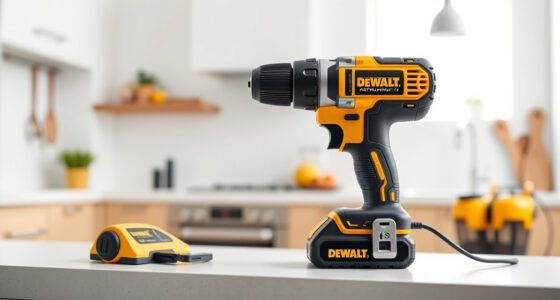
DEWALT 20V MAX Cordless Drill Driver Set, Electric Drill, Brushless 1/2 In 2 Speed, 2.0 Ah Battery and Charger Included, LED Light (DCD777D1)
- Motor Type: Brushless motor for longer run time
- Size: Compact 7.6-inch design
- Design: Lightweight for easy handling
As an affiliate, we earn on qualifying purchases.
Step 1: Check the Charger and Power Source
- Ensure the charger is plugged into a working electrical outlet.
- Inspect the charger’s power cord for damage or loose connections.
- Test the outlet with another device to confirm power supply.
Step 2: Inspect the Battery and Contacts
- Remove the battery from the tool and charger.
- Clean the battery contacts with a dry cloth or a gentle brush to remove dirt or corrosion.
- Check for visible damage or swelling on the battery.
Step 3: Verify Battery Compatibility and Temperature
- Use only a compatible DeWALT battery: such as the 20V MAX 5 Ah or 2.0 Ah batteries.
- Ensure the battery is at room temperature; do not charge if cold or hot.
Step 4: Attempt a Reset and Test
- Reinsert the battery firmly into the charger, ensuring proper contact.
- Observe the LED indicator: a steady green indicates a full or healthy charge, while blinking or red signals an issue.
- If the charger has a reset button, press it as per the manual.
Step 5: Troubleshoot Persistent Issues
- If the battery still does not charge, try another compatible battery to determine if the issue is with the battery or charger.
- Replace the charger if it consistently shows error signals or fails to charge any batteries.
The Products in This Guide

DEWALT 20V MAX Cordless Drill Driver Set
- ✔ Size: 7.6 inches
- ✔ Weight: Lightweight for extended use
- ✔ Warranty: 3-year limited

DEWALT Drill Bit Set
- ✔ Material: High Speed Steel
- ✔ Pack Size: 14 pieces
- ✔ Tip: Split point
DEWALT 20V MAX Cordless Drill Driver Set
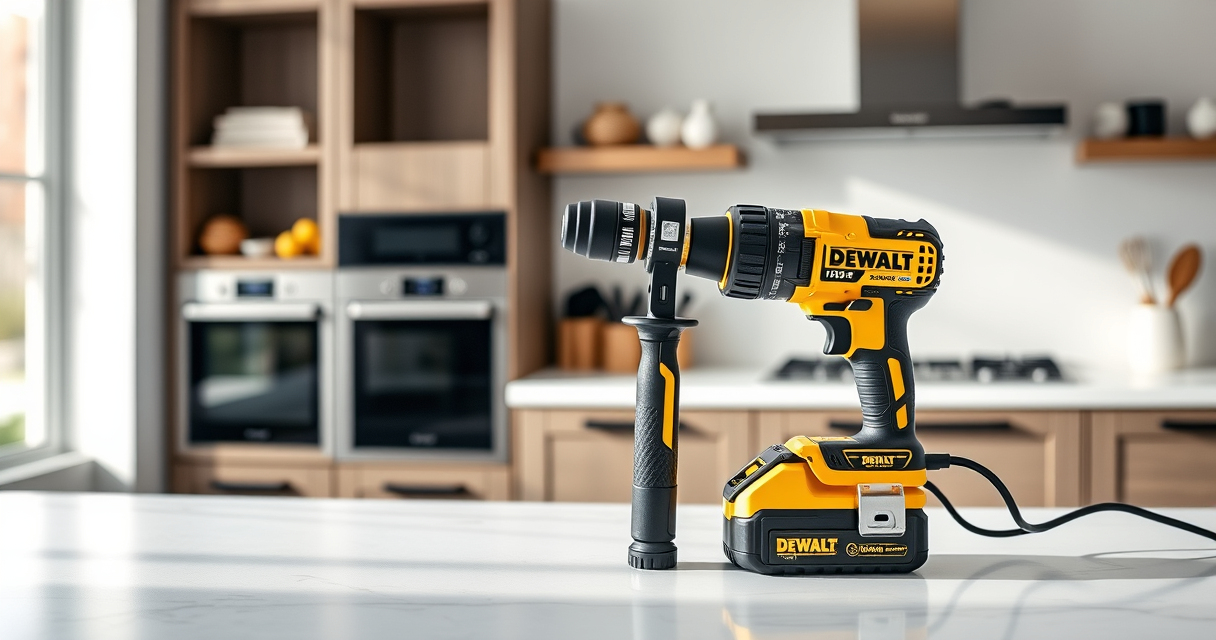
The DEWALT 20V MAX Cordless Drill Driver Set is a versatile tool with a brushless motor, making it a popular choice for both professionals and DIY enthusiasts. If your battery isn’t charging, follow the troubleshooting steps outlined here to restore its performance.
Pros:
- Brushless motor for efficiency
- Includes 2.0 Ah battery and charger
- LED work light for visibility
- Compact and lightweight design
Cons:
- Battery age can reduce capacity
- Charger may need replacement over time
- Limited to 20V MAX system
Best for: General-purpose drilling and fastening in tight spaces
Not ideal for: Heavy-duty industrial applications requiring larger batteries
Bottom line: A compact, reliable drill set ideal for most household and professional tasks.
DEWALT Drill Bit Set
Pair your DeWALT drill with this top-rated drill bit set for improved performance in various materials. These bits are designed to work seamlessly with your cordless drill and help maximize its capabilities.
Pros:
- Durable High-Speed Steel
- 135 Degree split point
- Rust-resistant coating
- Easy size identification
Cons:
- Limited to certain bit sizes
- Not suitable for heavy-duty industrial use
- Requires proper handling to avoid breakage
Best for: Drilling into wood, metal, and plastic
Not ideal for: Heavy-duty masonry tasks
Bottom line: A versatile drill bit set that complements your DeWALT cordless drill.
Frequently Asked Questions
Why isn’t my DeWALT battery charging?
Common causes include a faulty charger, dirty contacts, incompatible or damaged battery, or extreme temperatures. Follow the troubleshooting steps to identify the issue.
How can I tell if my battery is bad?
If the battery no longer holds a charge or shows signs of swelling or damage, it may need replacing. Testing with a different compatible battery can help diagnose the problem.
Can I leave my battery on the charger overnight?
Yes, most modern DeWALT chargers are designed to stop charging once the battery is full, but it’s best to avoid leaving batteries connected unnecessarily for prolonged periods.
What should I do if my charger shows a red light?
A red light often indicates a problem. Check the connections, ensure the battery is compatible and in good condition, and try resetting or replacing the charger if needed.
Power Up Your Projects Again with Simple Troubleshooting
DeWALT power tool batteries are reliable, but occasional charging issues can occur. By systematically inspecting your charger, battery contacts, and temperature conditions, you can often resolve these problems yourself. Always prioritize safety and use genuine accessories to prolong the lifespan of your tools and batteries.
Affiliate disclosure: As an Amazon Associate we earn from qualifying purchases. Prices and availability are accurate as of the time of publishing.


![Bukit Bintang Hicks Flat: DBKL Orders Cleanup After Viral Video Exposes Dirty Conditions [WATCH] - NST Online](https://paintsprayerzone.com/wp-content/uploads/2026/08/bukit-bintang-hicks-flat-dbkl-orders-cleanup-after-viral-video-exposes-dirty-con-featured-560x300.jpg)