
After long storage, check your equipment for dust, corrosion, or mold. Power on devices in a controlled environment to test functionality, and clean dust or debris with compressed air. Inspect for rust or pest damage, and if needed, gently clean affected parts with appropriate solutions. Use desiccants to control humidity and guarantee proper storage conditions in the future. Continuing with these tips will help you restore your gear to ideal working order.
Key Takeaways
- Inspect for signs of corrosion, mold, dust, or pest damage before powering on stored items.
- Clean internal components with compressed air and appropriate solutions to remove debris and corrosion.
- Check and replace worn mechanical parts, lubricate moving components, and calibrate electronic displays if necessary.
- Control humidity with desiccants or dehumidifiers to prevent future deterioration during storage.
- Test devices carefully in controlled conditions to ensure proper function before regular use.

After long storage, equipment or items may not function as expected, but many issues can be resolved with proper troubleshooting. When you’ve stored items for an extended period, the first step is to assess the storage conditions they were kept in. Poor storage conditions—such as fluctuating temperatures, high humidity, or exposure to dust and pests—can cause deterioration or malfunctions. Understanding these factors helps you identify potential problems and develop effective solutions.
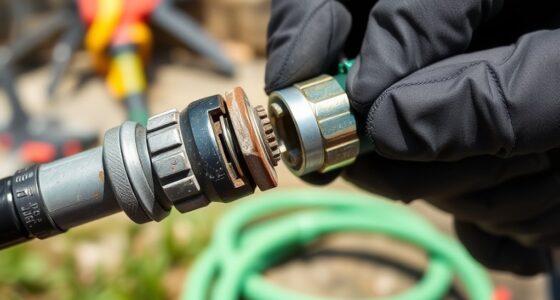
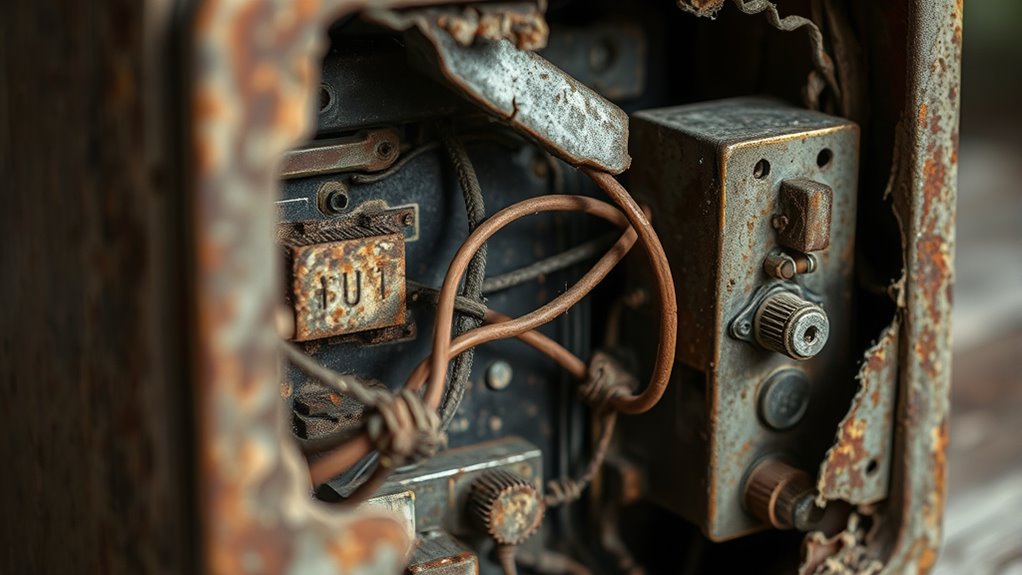
Start by inspecting the storage environment. If items were stored in an area prone to temperature swings, you might find signs of condensation or corrosion, especially on metal components. High humidity can lead to mold growth or rust, while dust accumulation might interfere with moving parts or electronics. If pests were involved, you may notice chewed packaging or damage to delicate components. Recognizing these signs allows you to determine whether the preservation techniques used during storage were adequate or if adjustments are necessary.
Inspect storage for signs of condensation, corrosion, mold, dust, or pest damage to assess preservation effectiveness.
Once you’ve evaluated the storage conditions, focus on restoring the items to ideal working order. For electronic devices, start by cleaning dust and debris from vents, ports, and internal components. Using compressed air can help remove stubborn particles without causing damage. If corrosion or rust has developed, gentle cleaning with appropriate solutions is essential—just ensure you follow manufacturer recommendations to avoid further harm. Mechanical equipment might need lubrication or replacement of worn parts that deteriorated during storage. Additionally, understanding the importance of contrast ratio in projectors can help you assess whether your display devices need calibration or adjustment to restore optimal image quality.
Implementing proper preservation techniques after storage is equally important. For example, if humidity was a concern, consider using desiccants or dehumidifiers in the storage area to prevent future issues. For sensitive electronic equipment, storing in anti-static packaging or climate-controlled environments can preserve their functionality longer. In some cases, a thorough testing process—such as powering on devices in a controlled setting—can reveal hidden problems that need addressing before regular use resumes.
Frequently Asked Questions
How Can I Prevent Items From Decaying During Long Storage?
To prevent items from decaying during long storage, you should vacuum seal them to remove air and reduce exposure to oxygen, which slows decay. Keep the storage environment at a consistent, cool temperature to inhibit bacteria and mold growth. Regularly check your items for signs of spoilage, and consider using moisture absorbers to prevent humidity damage. These steps will help maintain freshness and extend your items’ shelf life effectively.
What Are the Signs of Mold or Pest Infestation After Storage?
Think of your stored items as silent witnesses, revealing secrets through subtle signs. Mold detection shows itself with fuzzy, discolored patches or a musty smell, while pest signs include tiny chew marks, droppings, or webbing. If you notice any of these, act quickly. These signs are like whispers from your items, alerting you to hidden threats that could compromise your stored treasures if left unchecked.
How Do I Safely Dispose of Spoiled Items?
You should carefully dispose of spoiled items to avoid chemical hazards. Use gloves and a mask to protect yourself, then follow proper disposal methods like sealing the items in a plastic bag before discarding them in your outdoor trash. If hazardous chemicals are involved, contact your local waste management for specific disposal instructions. Always clean the area thoroughly afterward to prevent contamination or pest attraction.
Can Stored Items Regain Their Original Quality?
Stored items generally can’t fully regain their original quality once they’ve spoiled or deteriorated over time. However, you can try restoration techniques like cleaning, drying, or decontaminating to improve their condition. While these methods might restore some functionality or appearance, complete quality restoration is unlikely. To prevent further damage, handle items carefully and store them properly, and consider replacing items that have markedly degraded for safety and effectiveness.
What Tools Are Best for Inspecting Long-Stored Belongings?
To inspect your long-stored belongings, you should use effective inspection techniques like visual checks, close-up inspections, and moisture detection. For tool recommendations, consider a flashlight for better visibility, a magnifying glass to spot tiny damages, and a moisture meter to detect excess dampness. These tools help you thoroughly assess your items’ condition, ensuring you identify any issues early and take appropriate steps to preserve or restore your belongings.
Conclusion
After long storage, your device might need some TLC to work like new. Imagine opening a vintage camera packed away for years—you gently clean the lens and replace the batteries, restoring its clarity. Similarly, inspecting and maintaining your stored items ensures they’re ready when you need them. Don’t hesitate to troubleshoot patiently; with a little effort, you’ll bring your belongings back to life, just like that camera capturing memories once again.

Franz came aboard the Paint Sprayer Zone team with a background in both journalism and home renovation. His articulate writing style, combined with a passion for DIY projects, makes him an invaluable asset. Franz has a knack for breaking down technical jargon into easy-to-understand content, ensuring that even the most novice of readers can grasp the complexities of paint sprayers.